JSCAPE version 2026.3.1.560 now available | Download here.

Category: Triggers
-
Replace root path of the users using ReplaceUsersPath action
This custom trigger action is used to replace the users default root path.
Learn More
-
Replace path of all users using ReplaceUsersPath action
This custom trigger action is used to replace all users path.
Learn More
-

JSCAPE 2024.3: key updates to enhance performance and security in file transfers
Learn more from the experts at JSCAPE by Redwood
Learn More
-

How To Automate An SFTP File Transfer
Automated secure file transfer protocol (SFTP) file transfers are traditionally done through scripts, but there’s a much easier way. In this tutorial,…
Learn More
-

Downloading files periodically from a trading partner
Overview In this post we’re going to show you how to download files periodically from a trading partner. For this particular example,…
Learn More
-

How to auto upload files to a server from a local directory
In this tutorial, we’re going to show you how to automatically upload files to a remote server as soon as the files…
Learn More
-

Monitoring a remote SFTP server for newly added files
Most users of JSCAPE MFT Server are already familiar with directory monitors. You often use it to monitor a directory for newly…
Learn More
-

How to push files from local to azure data lake based on an event
Azure Data Lake is an excellent option for storing massive amounts of unstructured, semi-structured, and structured data in the cloud. One of…
Learn More
-

Securing trading partner file transfers w/ auto PGP encryption & FTPS
Overview PGP encryption can add another layer of protection to a trading partner file transfer already secured by FTPS. It can also…
Learn More
-

How to sync a linux directory with an amazon s3 bucket
In one of our previous posts, we taught you how to sync a Windows folder with an AWS S3 bucket. This time,…
Learn More
-

How to copy files from azure blob storage to AWS s3
There are several possible reasons why you might want to copy files from Azure Blob Storage to AWS S3 (or vise versa).…
Learn More
-

How to download multiple files from azure blob storage
All this time, you’ve been uploading loads upon loads of files onto your Azure Blob Storage container. But now, you have this…
Learn More
-

How to copy files to azure blob storage on a predefined schedule
For today’s tutorial, we’re going to show you how to configure JSCAPE MFT Server so that it will copy files from a…
Learn More
-

Sync windows folder with AWS s3 bucket
In previous posts, we taught you how to set up an Agent service and trading partner. We also taught you how to…
Learn More
-

Using AWS KMS to encrypt files you upload to your s3 trading partner
Files you upload to an Amazon S3 trading partner through JSCAPE MFT Server are normally stored in plaintext. If you want to…
Learn More
-

How to copy data from azure to AWS s3
If your business stores data in multiple cloud storage solutions, chances are you’ve already encountered many instances when you had to transfer…
Learn More
-

How to mirror a FTP server to s3 storage
If your FTP/S service runs on JSCAPE MFT Server, it’s possible to mirror files stored in that FTP server to an Amazon…
Learn More
-

How to schedule an AS2 file transfer
In a previous post on automated AS2 file transfers, we showed you how to configure JSCAPE MFT Server so that it would…
Learn More
-

How to move downloaded files on a trading partner
Let’s say a trading partner wants you to move files you download from their server to a designated archive folder on that…
Learn More
-

How to ignore specific errors in exception handling
In a previous post, we taught you how to set up triggers that catch and handle trigger errors thrown by other triggers.…
Learn More
-

Monitor & respond to copy file events
In a previous post, we showed how you can monitor Move File events and respond to them with an appropriate trigger action(s).…
Learn More
-

How to monitor moved files without using directory monitors
There are times when, as part of a business process, you’d want to monitor files that have been moved from one directory…
Learn More
-

Introducing the redesigned trigger action workflow
Last time, we introduced you the new Trigger Conditions Expression Builder, one of the new features that came with the recently released…
Learn More
-

Introducing the new trigger conditions expression builder
In later versions of JSCAPE MFT Server, you’ll find a graphical Expression Builder in the Trigger Conditions step of the Triggers module.…
Learn More
-

How to import & export triggers
If you’ve been using JSCAPE MFT Server, you know how important triggers are in automating business processes. In fact, many of our…
Learn More
-

How to download newly added files from an AWS s3 folder
Organizations with hybrid infrastructures consisting of cloud-based and on-premise solutions will usually need the ability to conduct automated data transfers between these…
Learn More
-

How to schedule automated file uploads from your server to box cloud storage
The ability to transfer files automatically to a cloud-based storage solution like Box.com can be a valuable asset to businesses who want…
Learn More
-

How To Append a TimeStamp To Each File Downloaded From Another Server
Overview Whenever we download files from an external server on a regular basis, we often like to rename each file so that…
Learn More
-

Scheduling an automated file transfer for files matching a regex
One of the reasons why our clients love Triggers is because this feature makes it so easy to set up unmanned, automated…
Learn More
-

How to address the IT skills gap in manufacturing
While the IT skills gap is sometimes exaggerated, there are some industries where the tech talent shortage is really a major issue.…
Learn More
-

Capturing & responding to trigger errors in JSCAPE MFT server
Overview In this article we will discuss how to use the Trigger Error Event Type to capture errors and respond to them.…
Learn More
-

Sending SMS notifications of JSCAPE MFT server events via amazon SNS
In a previous post, we outlined the steps of setting up JSCAPE MFT Server to publish messages to Amazon SNS. This setting…
Learn More
-
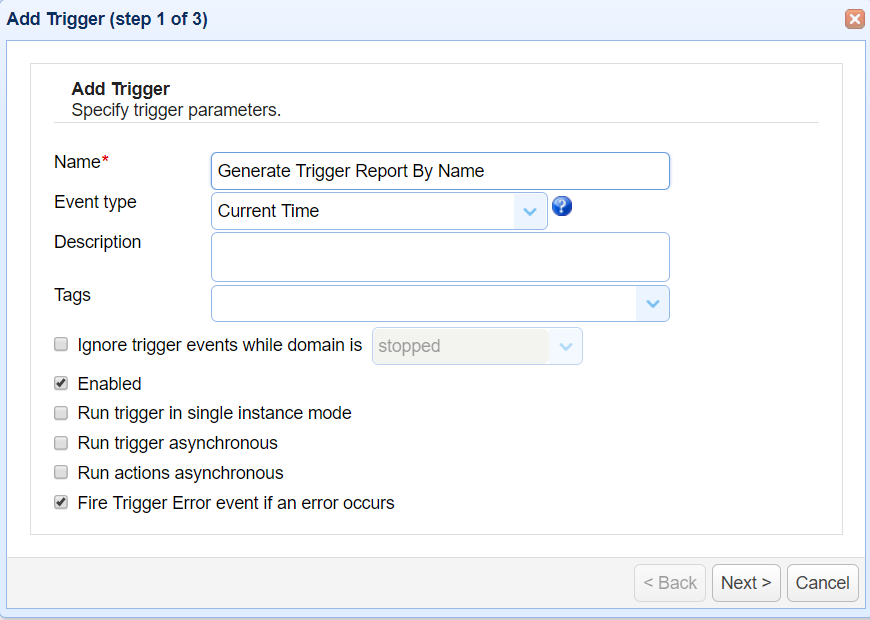
Generate trigger report by custom date using TriggerReportByCustomDate action
This custom trigger action is used to export the details of thetrigger executions for a single trigger by name and custom date…
Learn More
-

Preparing trading partner servers for SFTP automation
Overview In order to keep transactions secure, you and your trading partners likely use SFTP and other encrypted protocols for your automated…
Learn More
-
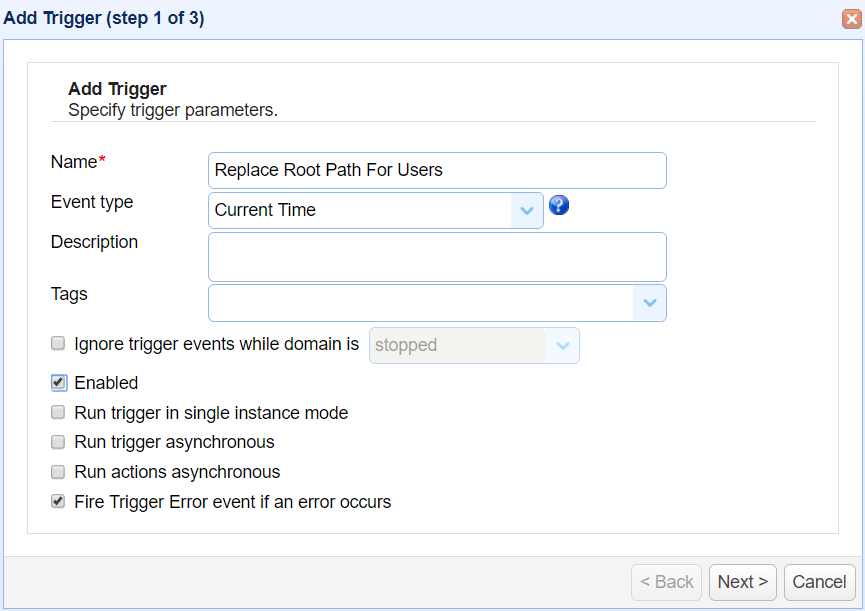
Replace path of all users using ReplaceUsersPath action
This custom trigger action is used to replace all users path.
Learn More
-
Replace root path of the users using ReplaceUsersPath action
This custom trigger action is used to replace the users default root path.
Learn More
-

Complete list of JSCAPE MFT server event types
JSCAPE MFT Server users can easily look up a description of each trigger event type by simply clicking the question mark icon…
Learn More
-

How to prevent duplicate trigger actions
One of the challenges of setting up an MFT Server active-active high availability cluster is in preventing duplicate trigger executions, especially for…
Learn More
-

Segregating files received from different AS2 trading partners
Files coming in via unauthenticated AS2 file transfers are stored in one common directory. However, in most cases, you would like to…
Learn More
-

[Video] blocking suspicious IP addresses when MFT server is behind MFT gateway
This is a video version of the tutorial “How To Block Suspicious IP Addresses When MFT Server Is Behind MFT Gateway“. Here,…
Learn More
-

Keeping B2B transactions running through extreme weather conditions
A lot of people don’t take business continuity initiatives seriously. But when a polar vortex in the US, a blizzard in the…
Learn More
-

How to schedule automated file uploads from your server to google storage
We’ve already showed you how to configure JSCAPE MFT Server to monitor a directory for newly added files and then upload those…
Learn More
-
Generate failed trigger report using FailedTriggerReport action
This custom trigger action is used to export the details of the Failed Trigger executions in excel format
Learn More
-
How to generate a trigger report using an action
This custom trigger action is used to export the details of thetrigger executions for a single trigger by name in excel format
Learn More
-

How to connect & upload files to azure storage
In this tutorial, we’re going to show you a simple method that will enable you to connect your server to a Microsoft…
Learn More
-
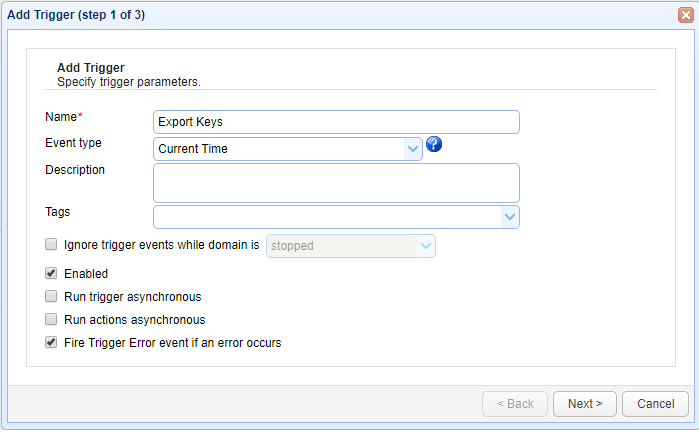
Generate AS2 messages report using AS2MessagesReport action
This custom trigger action is used to export the details of the AS2 Message(s) which are received and send from JSCAPE MFT…
Learn More
-
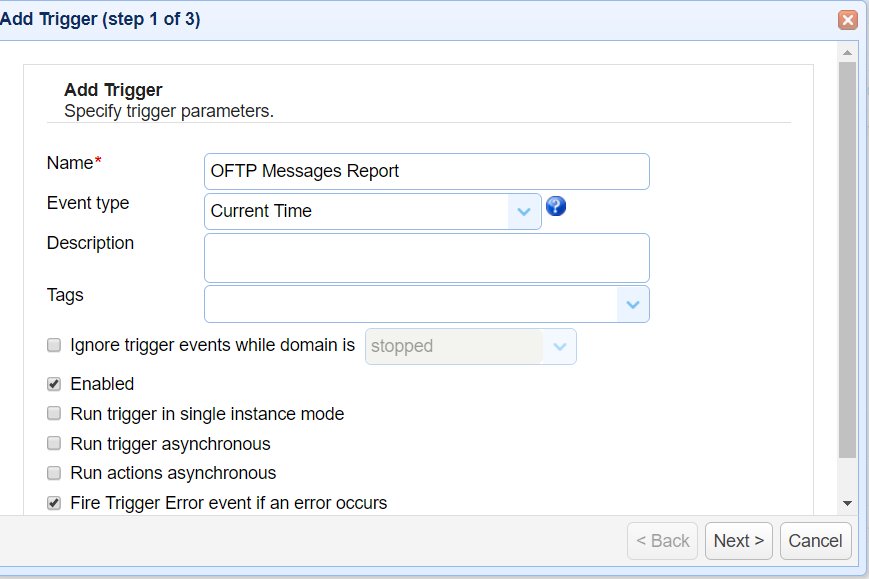
Generate OFTP messages report using OFTPMessagesReport action
This custom trigger action is used to export the details of the OFTP Message(s) which are received and send from JSCAPE MFT…
Learn More
-
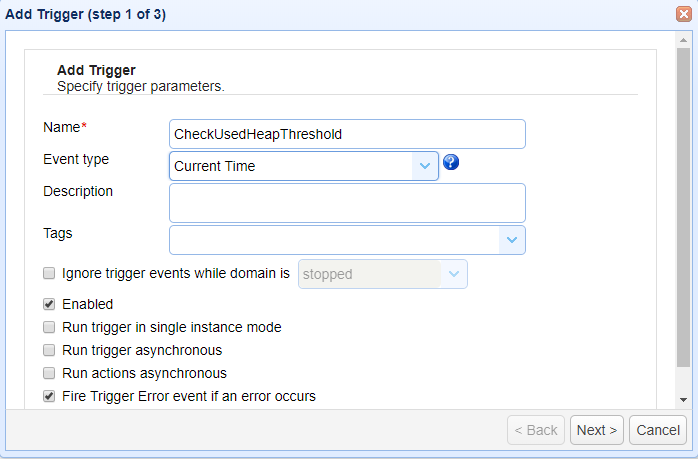
Get AvailableHeap of jscape MFT server using custom function
This custom function helps to get the available heap statistics during too many user uploads/downloads or during trigger execution. The real use…
Learn More
-
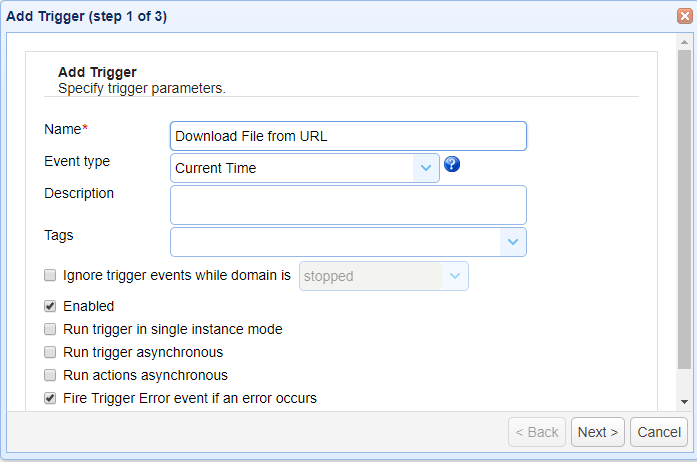
Get UsedHeap of jscape MFT server using GetUsedHeapInMb function
This custom trigger function helps to get the used heap in MB on run time. This custom function helps to get the…
Learn More
-
Get max heap of jscape MFT server using GetMaximumHeapInMb function
This custom trigger function helps to get the maximum heap in MB on run time. This custom function helps to get the…
Learn More
Browse by category
-
(23)
-
(43)
-
(7)
-
(47)
-
(57)
-
(40)
-
(19)
-
(623)
-
(3)
-
(390)
-
(106)
-
(6)
-
(19)
-
(199)
-
(22)
-
(86)