This custom trigger action helps to download a file from a given Url to a custom location. It also helps to download the files easily without any manual effort.
Downloads
Source code and build instructions
How to download a file from a Url using CopyUrlToFile Action
Let me now show you how to implement that.
1. Create a Trigger to download the file
Login into admin console of JSCAPE MFT Server > Triggers and Click Add to create a Trigger
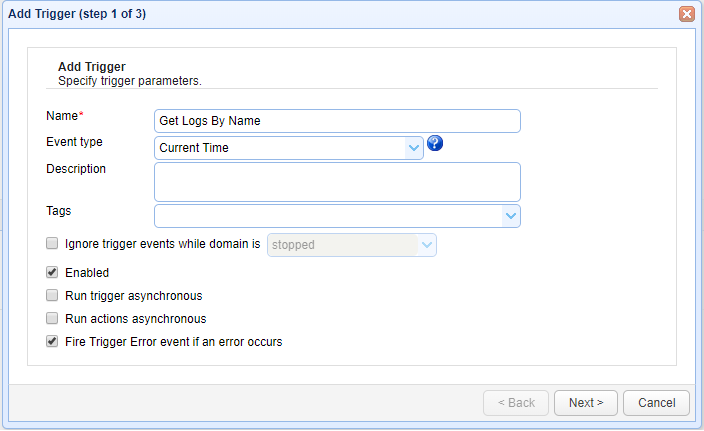
Give the trigger aNameand then select theCurrent Timeevent type from the drop-down list.
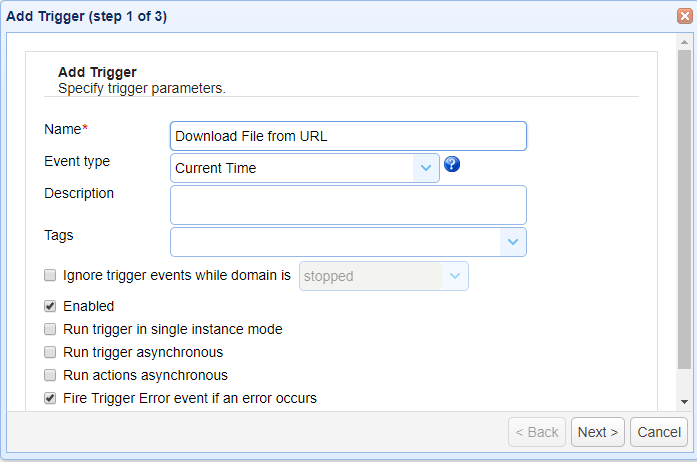
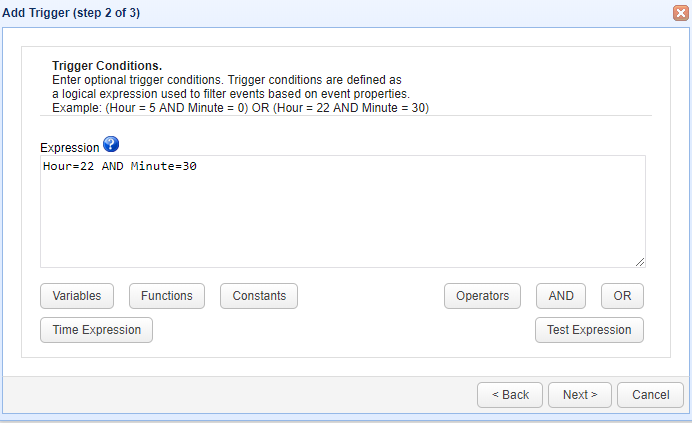
ClickNextto Step 2 where a condition can be set to execute the trigger.
Below screen shows a condition that the trigger should execute at 22 Hours 30 minute . Set the condition asHour =22 AND Minute 30
Once the condition is set ClickNextto proceed
The step 3 asks to add an action, Add the action “CopyUrlToFile” from drop down list.If the action not found read the build instructions (Source code and build instructions) .
Click OK to proceed

The Parameters for the action “Get Logs” are;
- Url
- File
As the name indicates, Url is the path where the file is located in the internet and File is the location where the file to be downloaded. It is also possible to customize the name during download.
For example as below;
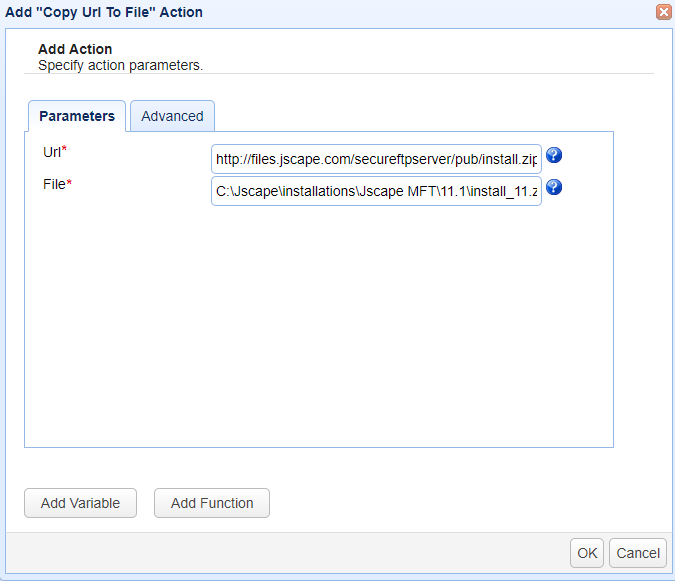
Here Url hasthe value as “https://files.jscape.com/secureftpserver/pub/install.zip” andFile to be as
“C:\Jscape\installations\Jscape MFT\11.1\install_11.zip.”
The above means that the file install.zip will be downloaded as install_11.zip and that is how we can customize the name of the file that gets downloaded.
ClickOK to save the settings
That’s it. Now you know how to create a trigger to download a file from a Url to Custom location.